Been Busy

So, I’ve been busy.

There will be several posts over the next few days, catching things up.

Most importantly to me personally: I now have access to the tools and space to start working in something other than paper. I’ll be posting about the Nova-labs Maker-space at length later.

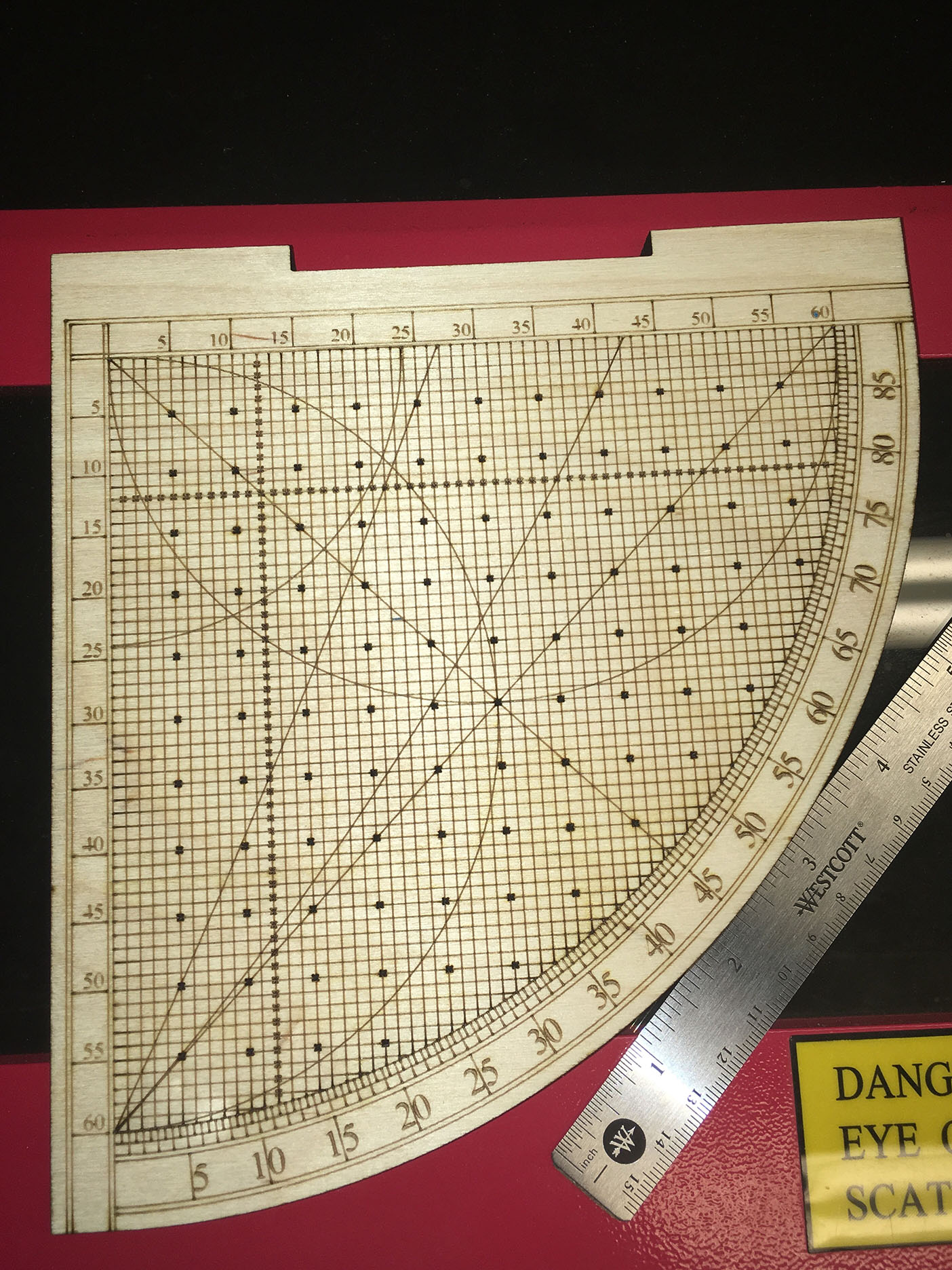
Next, related to that, I now have several wood and acrylic pieces to show off.

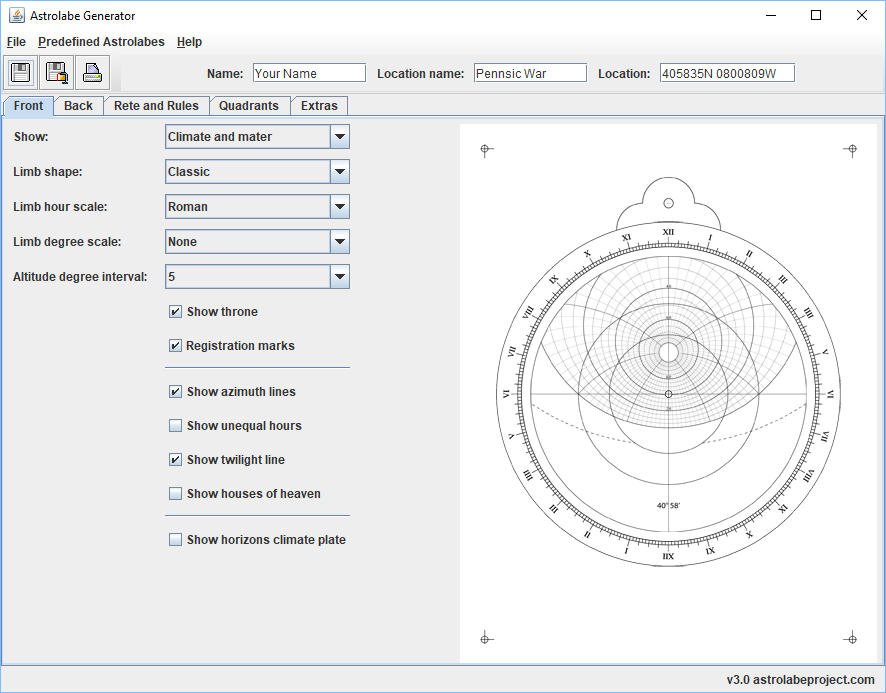
The Astrolabe Generator is still in development, with changes, enhancements and improvements being added weekly. I hope to roll these into a release soon.

Stand by for more.

Instructable

Laser-cut astrolabe

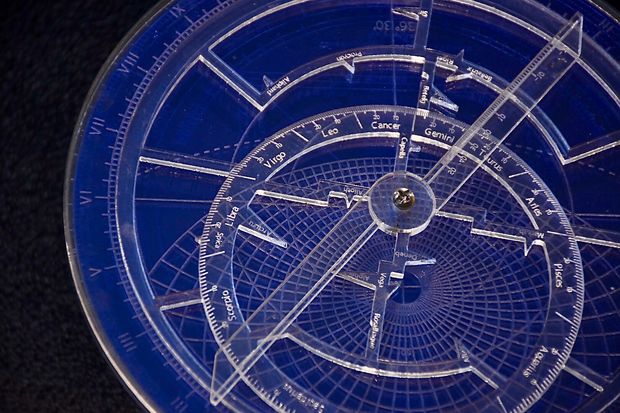
One of my readers was kind enough to put together an Instructable on turning the output of my generator into a fully usable plastic instrument.

How to Build a Customized Astrolabe Using a Laser Cutter:

http://www.instructables.com/id/How-to-Build-a-Customized-Astrolabe-Using-a-Laser-/

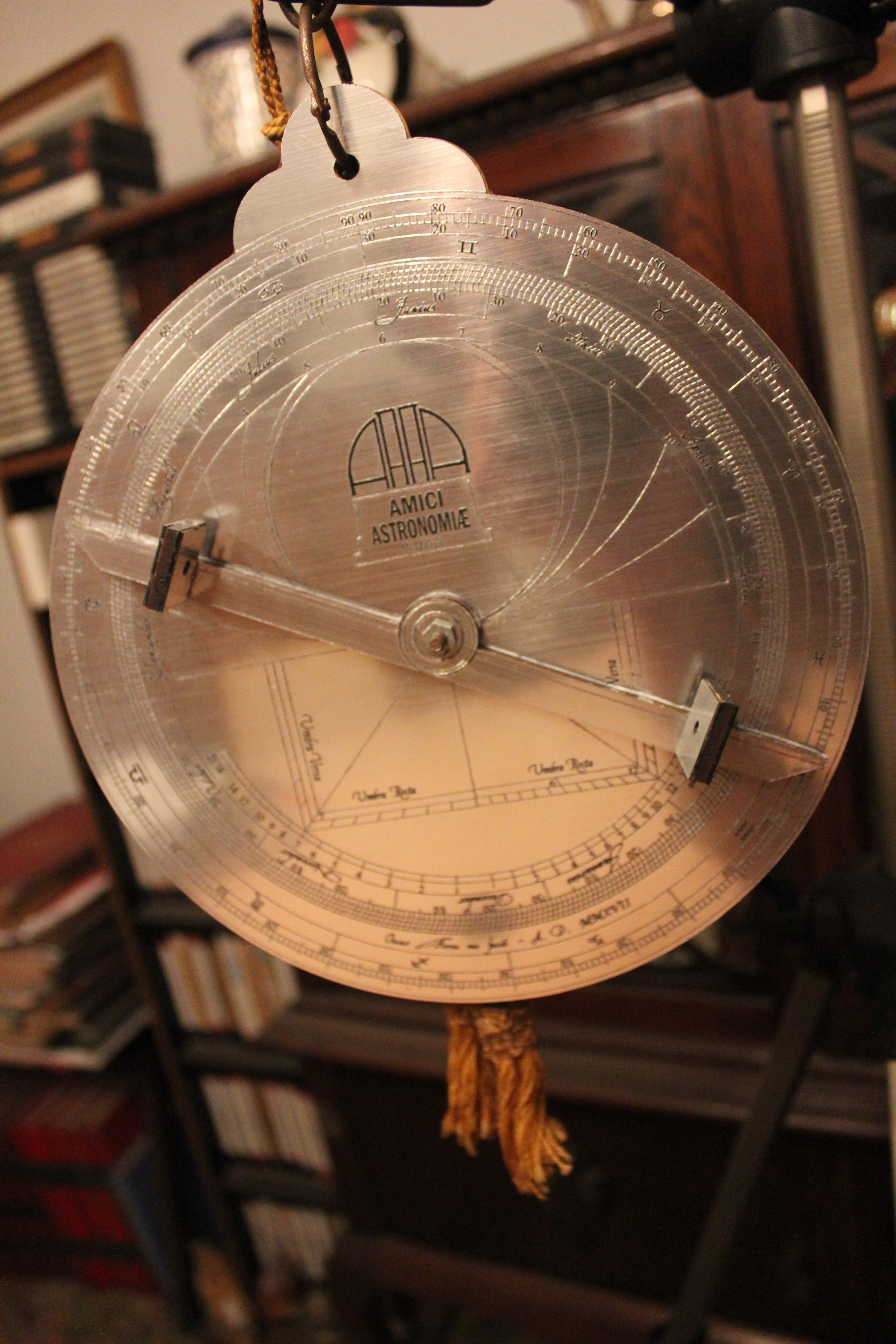
Laser-cutting with a Metallic Finish

I received a nice email from a user in Argentina, and he has given permission to post some of his photos and notes on how he achieved the lovely result.
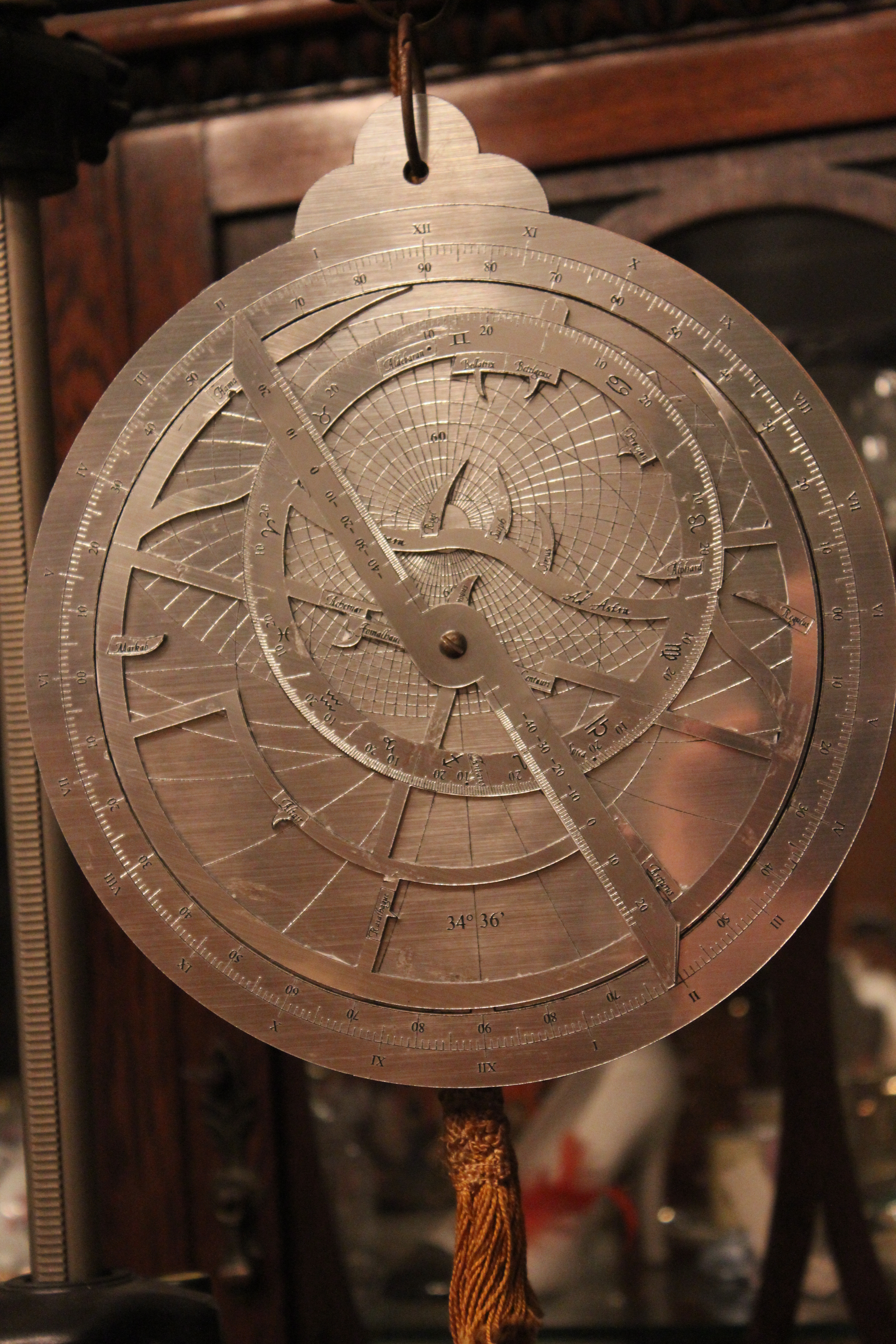
“I started generating the EPS files with your software for my southern latitude, and then added some more stars to the rete and a clever-but-mostly-useless device to the sun eccentric in the back, for the leap years.

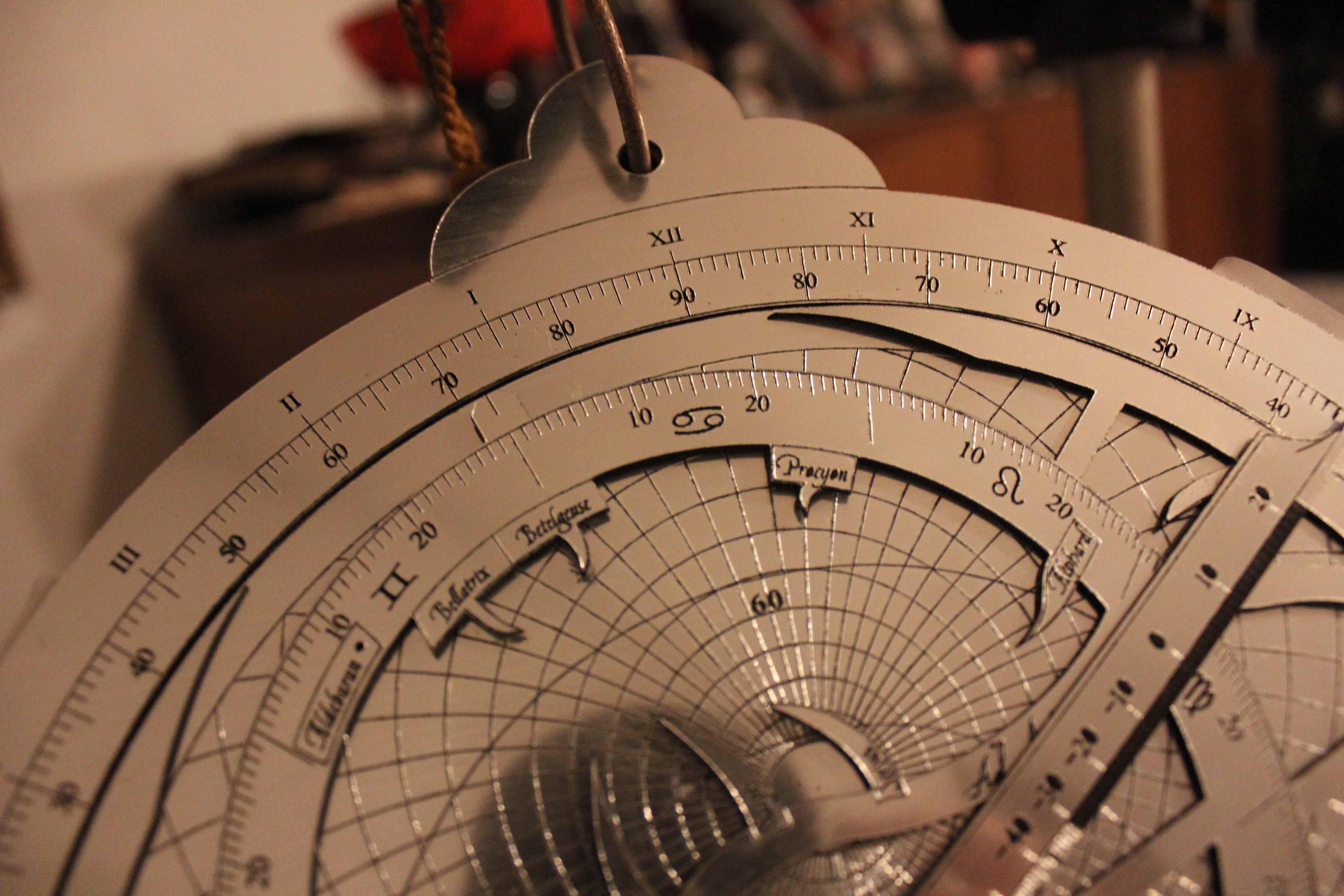
I then had it laser-cut and engraved on a plastic material we call Metalex here in Argentina, which has a black PVC base with a shiny metallic layer on one of its faces, thin enough to be cut with the laser. In order to give it more weight I laser-cut the same shape on 3 millimeter wood – minus the engraving – and glued the metalex cut-out on it.

Since I wanted the rete and the front ruler to remain thin to avoid parallax (and for better looks), I left them as they were, just the metalex sheet without the wood. And to avoid wear to the thin metallic layer I backed all moving parts with a special paper I found, which has a soft velvety lining on one of its faces. For my next project I’ll probably have it laser-cut to the same shape too.”

metalex front metalex detailmetalex back

Concerning the use of astrolabes as a teaching tool

Version 3.3 of the Astrolabe Generator

As you can see, I’m still working at adding functionality. This release includes:

  • Fixed bug in Arcs of the Signs. Both options now work.
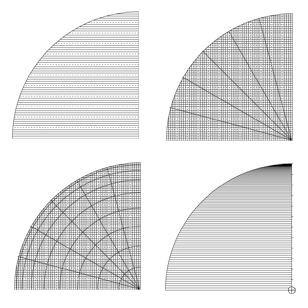
  • Expanded options for the sine/cosine grid scale on the astrolabe back:
    • Grid divided by 60 or 100
    • Optional cosine lines
    • Arcs and radials
    • Lines for each degree option
  • Under the hood:
    • Version number displays in interface now pulled dynamically from pom.xml
    • Default folder for saving is now the folder the app was run from
    • Consolidated file handling in the FileHandler class
    • Updated to Java 1.8

Version 3.3

Version 3.2 Released

Download it HERE

Changes for 3.2:

  • Fixed a bug in the formatting of the shadow square numbers.
  • Added in an option to display all three twilight lines.
  • Added the option of using a concentric calendar ring instead of the more common offset.
  • Added the option to choose between a base 60 and the less used base 10 grid for the sine scale grid on the back.

Version 3.3 is well underway, look for it soon!

The Astrolabe Generator 3.1

As promised more upgrades are coming. Here is the first batch.

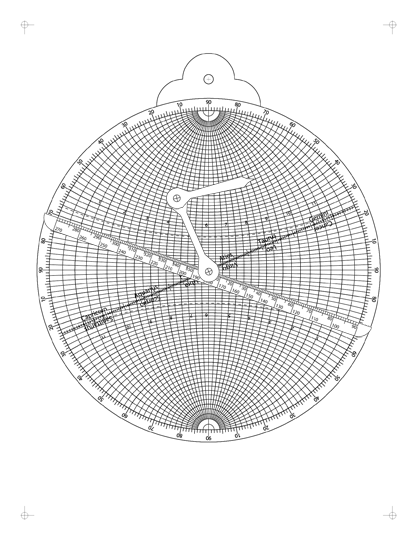
  • The first astrolabe variation: The Universal Astrolabe.
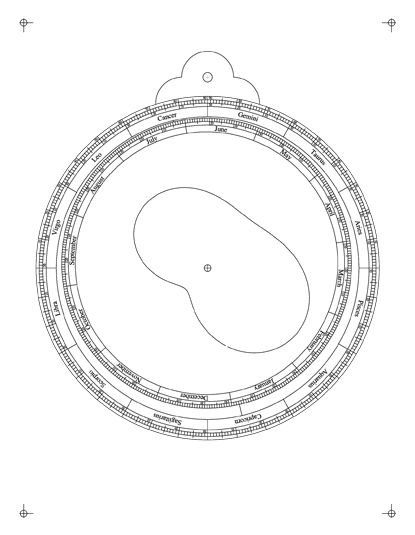
  • Added an optional Equation of Time scale to the back

When the using the equation of time scale option is set the alidade will have a scale printed on it. To use, just rotate the alidade to the date and read the time offset using the loop and the scale. The equation of time loop will print over any other scales and is still quite readable. You can download the 3.1 version here.

Universal AstrolabeEquation of Time


The Astrolabe Generator 3.0

After much hard procrastination, I am happy to announce the release of version 3.0 of the Astrolabe Generator.

The old Flash version was difficult to keep improving, and is no longer working in any case. The new, downloadable version has several bugs removed, and much expanded capabilities:

  • Save to folder or zip file
  • Print to EPS printer if available
  • Support for 90N to 90S
  • Expanded range of quadrants.

The good news is that it runs on Windows, Mac, and Linux. The bad news is that some of you will have to install Java in order to run it (There is a link on the download page).

Switching back to Java will allow me to keep updating and improving the tool. and as always, I’m looking for input (see address for comments under Links). Plans for the next version include:

  • Support for multiple languages
  • Output to PDF
  • Output to SVG
  • More astrolabe options
  • More quadrants – For example a Gunter’s Quadrant.

Download HERE.

Astrolabe Generator 3.0

Simulators

One of the problems with learning to use an astrolabe is that in order to work through the class notes the student needs to first print out and assemble their own astrolabe from the provided materials. This takes time and materials that may not be ready to hand.

What I’ve wanted to do for a while now, was to provide an online simulator to allow the student to work without a physical copy of the device. In the past I ave played with Flash and Java, but these had significant problems with getting them to work smoothly with the Internet. Instead, I settled on HTML5 and JavaScript. Much more flexible and simple to use, and supported by all modern browsers.Simulator

There are currently two simulators available: One for the astrolabe and one for the sine quadrant. These are a work in progress and improvements are planned, but they work well as they are.

http://www.astrolabeproject.com/sim/astrolabe/sim.html
http://www.astrolabeproject.com/sim/sine/quad.html

The simulators have been tested on current versions of Internet Explorer, Firefox, Chrome, and Safari. (Note: if you are on an IPad, you can save the simulator page to your desktop and it will function like an app, still requiring an Internet connection though).

The Astrolabe Simulator
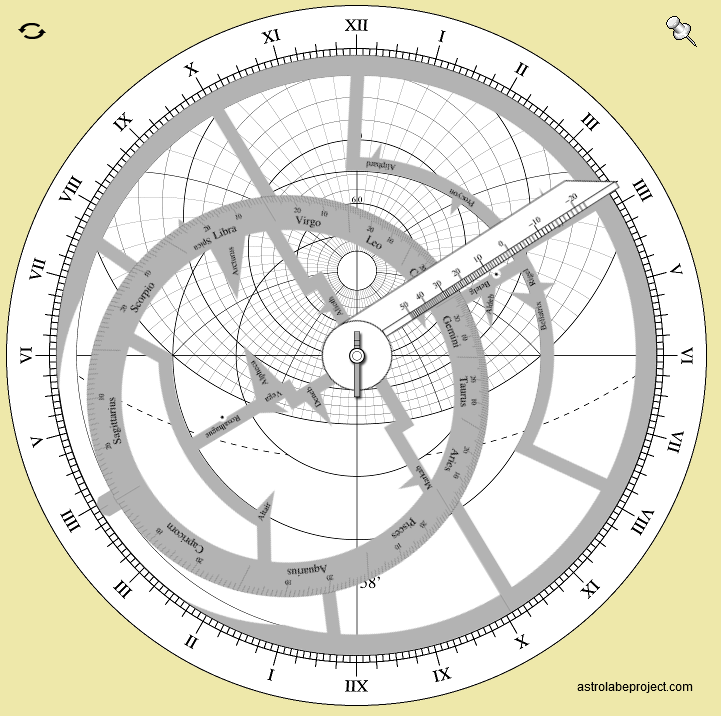
The astrolabe simulator can be found at (link). Clicking and dragging the rate rotates it, the same with the pointer arm. Clicking on the pushpin on the upper right locks the rete and arm together and allows them to be moved together. Clicking on the icon upper left flips the astrolabe to the back side.

The Sine Quadrant Simulator
The sine quadrant simulator can be found at (link). The cord can be rotated by clicking and dragging the weight on the end. The index bead (green circle) can be moved by dragging it. Function lines can be toggled on and off by clicking on the check marks bottom right.

The source code for both simulators is open source and can be downloaded here(link).

Enjoy!

Introducing the Advanced Astrolabe

For quite some time now I have been basing my class, and my discussions here, on an astrolabe with fairly basic options. Linked to the right you will find a zip file containing the components for this basic astrolabe, along with the handout for my class.

But there is more to the astrolabe than just the basic functions I have discussed so far. An examination of astrolabes from the medieval period shows a wide range of advanced function options available to the users. Over time, I have started to add some of these slowly to the Astrolabe Generator application, so that people out there can play with them. But up to now I have not spent any real time discussing of how they are used. Over the next few weeks I hope to examine several of these advanced functions.

I have rearranged the links on the left and added a new download: An Advanced Astrolabe example. This differs from the Basic example in several ways. On the front you will see new markings on the plate for the Houses of Heaven; on the back I have added a sine/cosine scale (upper left), an Arcs of the Signs scale (upper right) and the Lunar Mansions (center). In the next few posts I will discuss the purpose and use of each of these in turn.

 Advanced astrolabe